- Tel: +86 15759270795
- Email: Sales@touchkey-china.com



Core specialist at Goodkey Machinery with 25+ years in touch springs. Translating complex precision engineering into sharp, expert insights. Mastering the art of the coil and crimping technology.
Selecting the ideal touch technology is no longer just about clicking a button; it’s about environmental survival and user experience. Whether you are designing a sleek consumer tablet or a rugged industrial kiosk, the underlying physics of the screen determines its success. While Capacitive Touch dominates the modern market, alternative technologies like Resistive, Infrared (IR), and SAW offer unique advantages in specific niches.
To make an informed decision, engineers must look beyond the surface. Each technology relies on a different physical principle—from detecting pressure to monitoring the interruption of light grids or ultrasonic waves.
Below is a detailed comparison of the four primary technologies.
| Feature | 01. Capacitive Touch | 02. Resistive Touch | 03. Infrared (IR) Touch | 04. Surface Acoustic Wave (SAW) |
| Principle | Detects capacitive coupling (finger) | Detects pressure on conductive layers | Detects interruption of IR light grid | Detects absorption of ultrasonic waves |
| Touch Medium | Conductive objects only (finger, special stylus) | Any object (finger, gloved hand, stylus, pen) | Any opaque object | Finger, soft glove, soft-tip stylus |
| Multi-Touch | Excellent (Typically 10+ points) | Typically single-touch (Dual-point available) | Good (Depends on controller/frame design) | Good |
| Optical Clarity / Transmittance | Very High (>85%), excellent visual quality | Lower (~75%), layers cause glare/reflection | Highest (No overlay on screen) | High (Glass substrate) |
| Durability | High (Glass cover, scratch-resistant) | Lower (Polymer surface scratches easily) | Very High (Sensors in bezel, no active surface) | Moderate (Surface scratches can impair function) |
| Environmental Resistance | Sensitive to water/liquids, moisture. Industrial versions available with sealing/coatings. | Resists water, dust, contaminants. | Sensitive to ambient light, dust/debris buildup in bezel. | Sensitive to surface contamination (water, oil), hard impacts. |
| Accuracy | Very High | High | Moderate to High | Very High |
| Response Speed | Very Fast (<10ms typical) | Fast | Fast (can have "shadowing" effects) | Fast |
| Cost | Moderate (Highly commoditized for standard sizes) | Low | Cost-effective for large sizes | Higher for large sizes |
| Typical Size Range | Small to Large (Commonly up to 27") | Small to Medium (up to ~15") | Medium to Extra-Large (Up to 100"+) | Medium to Large (Up to ~40") |
| Primary Applications | Smartphones, Tablets, Appliances, Modern HMIs | Legacy HMIs, POS, Medical (with gloves), Low-cost industrial | Large Digital Signage, Interactive Whiteboards, Kiosks | Legacy Kiosks, Gaming, Some industrial (declining share) |
As noted in our comparison, Capacitive technology is the recommended solution for modern UX. It offers the highest optical clarity (>85%) and supports complex multi-touch gestures (10+ points), making it the go-to for smartphones and high-end HMIs. However, its sensitivity to moisture remains a factor to consider in outdoor applications.
Resistive screens are the "workhorses" of the industry. Because they detect physical pressure, they can be operated with any object—be it a gloved hand, a stylus, or even a pen. While they have lower optical clarity (~75%) due to their layered construction, their resistance to dust and contaminants makes them ideal for legacy HMIs and medical devices.
For extra-large displays like digital signage or interactive whiteboards, Infrared (IR) is often the most cost-effective choice because it requires no overlay on the screen, maintaining the highest possible clarity. Surface Acoustic Wave (SAW), though declining in market share, still offers exceptional accuracy and durability for specific indoor kiosks where visual quality is paramount.
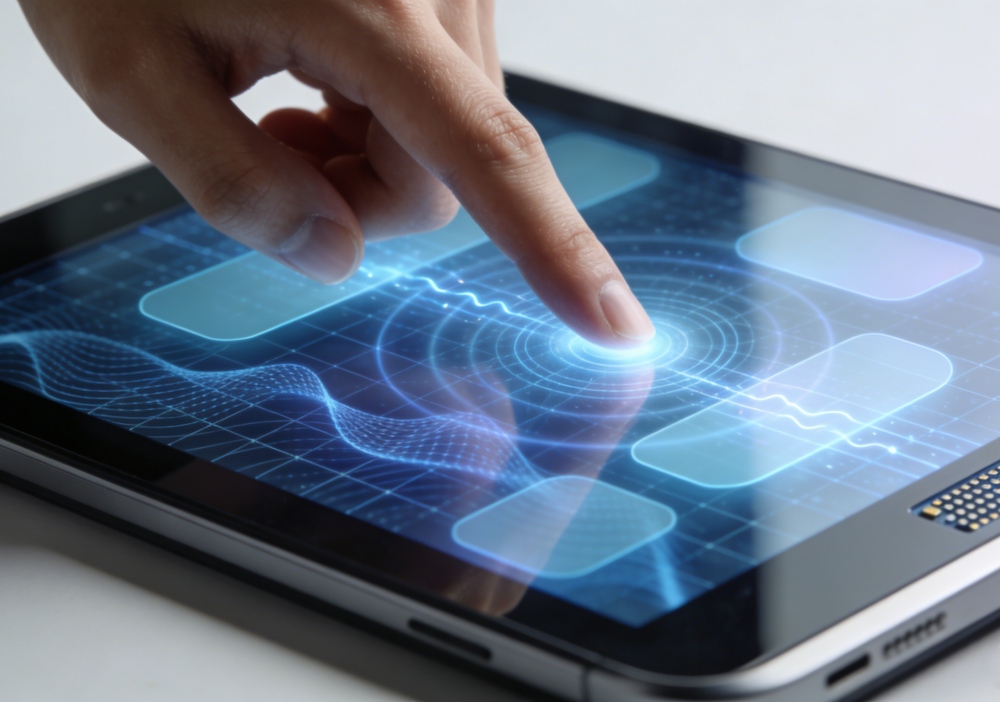
The "best" technology is the one that aligns with your operational environment.
At Goodkey, we help you navigate these technical trade-offs to ensure your HMI performs flawlessly from the first touch.
 Goodkey Machinery Import & Export Co., Limited



Leave A Message
Scan to Wechat/Whatsapp :